

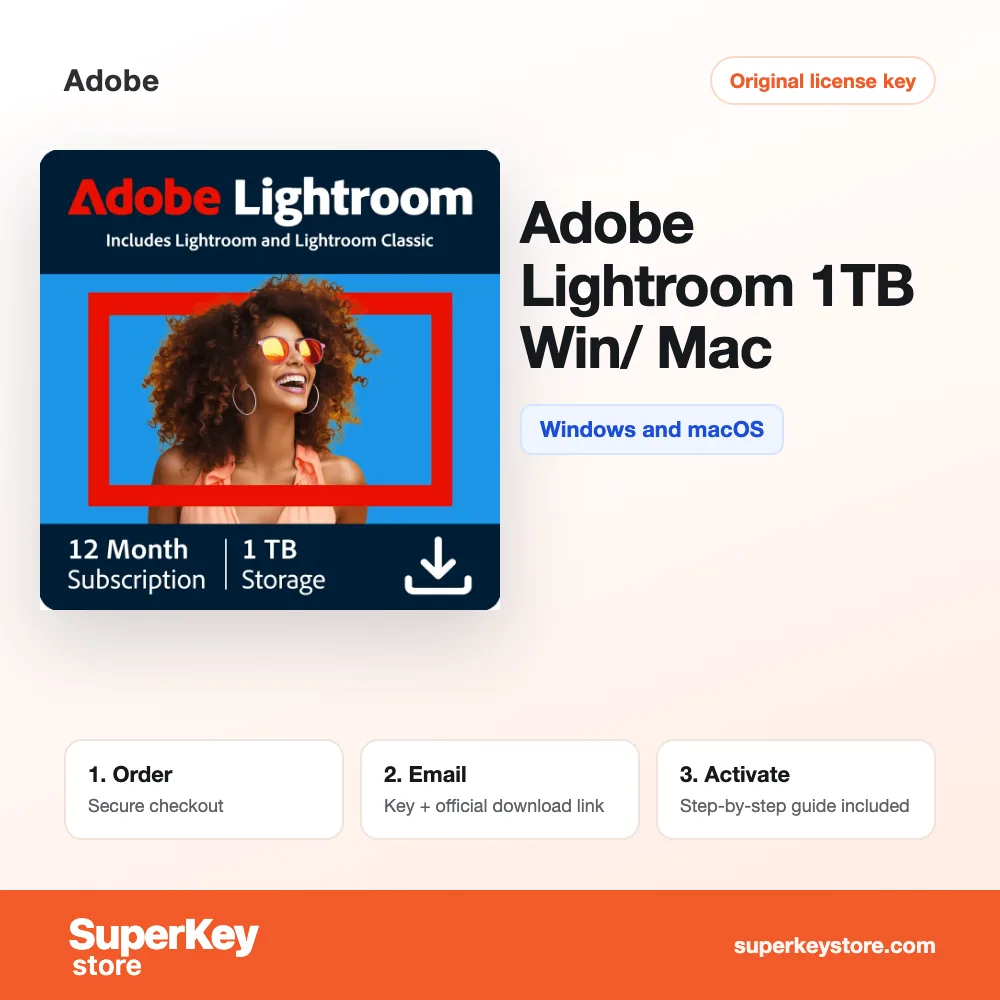


Adobe Lightroom 1TB Win/ Mac
CHF 134.98
Adobe Lightroom (1 TB)
Verfügbar
Lieferung per E-Mail, in der Regel innerhalb weniger Minuten nach der Zahlung
Wichtigste Funktionen
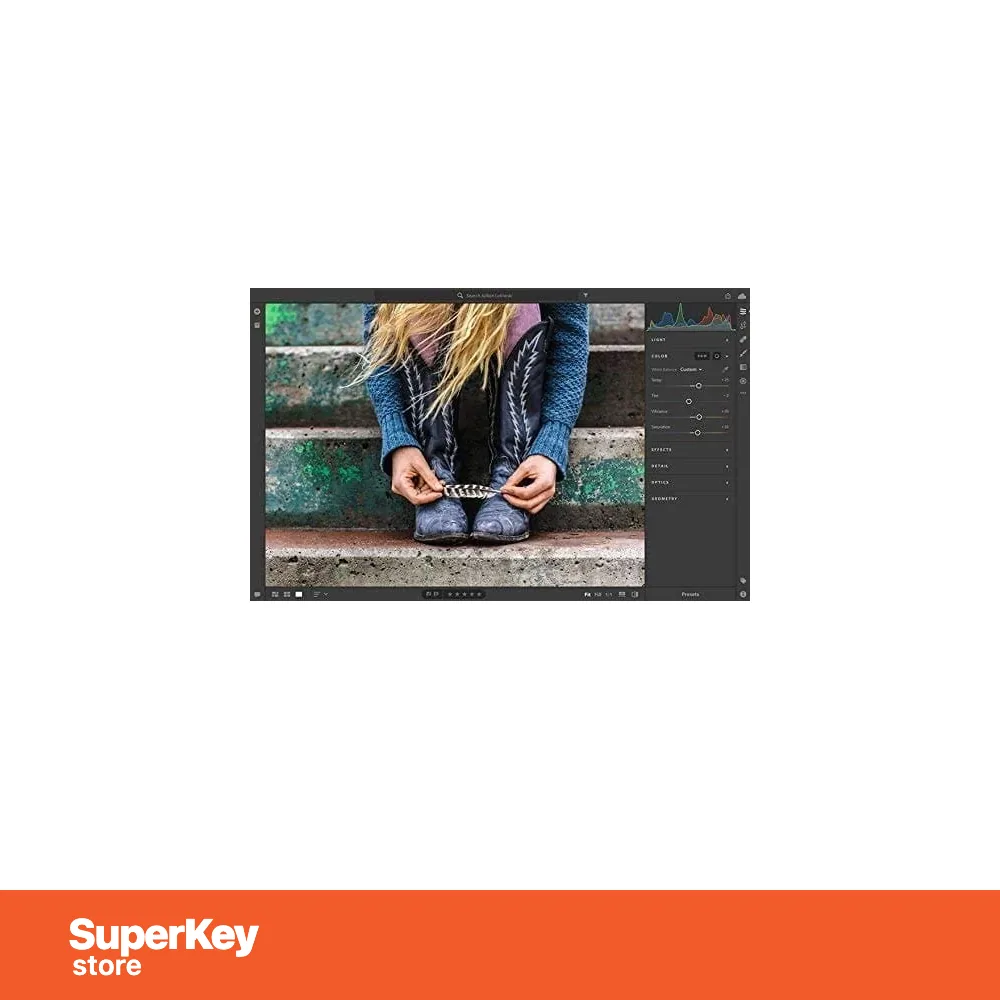
Buy Adobe Lightroom (1 TB) License Key on SuperKeyStore: original product key, free technical support and a replacement-or-refund guarantee for faulty keys. Photo editing with sliders and presets, automatic keyword tagging, cloud sync across desktop and mobile, and 1 TB of storage. Delivered by email, usually within minutes of payment.
Buy Adobe Lightroom (1 TB)
You get an Adobe Lightroom (1 TB) license key, the download link and activation steps by email. Adobe Lightroom (1 TB) is Adobe’s cloud-based photo editing and organizing service for Windows, macOS, mobile and web, with 1 TB of cloud storage for the photo library. No box or DVD is shipped.
| Detail | Wert |
|---|---|
| Produkt | Adobe Lightroom 1TB Win/ Mac |
| Entwickler | Adobe |
| Kategorie | Adobe |
| Platform | Windows and macOS |
| Lieferung | License key and download link by email |
What is Adobe Lightroom with 1 TB?
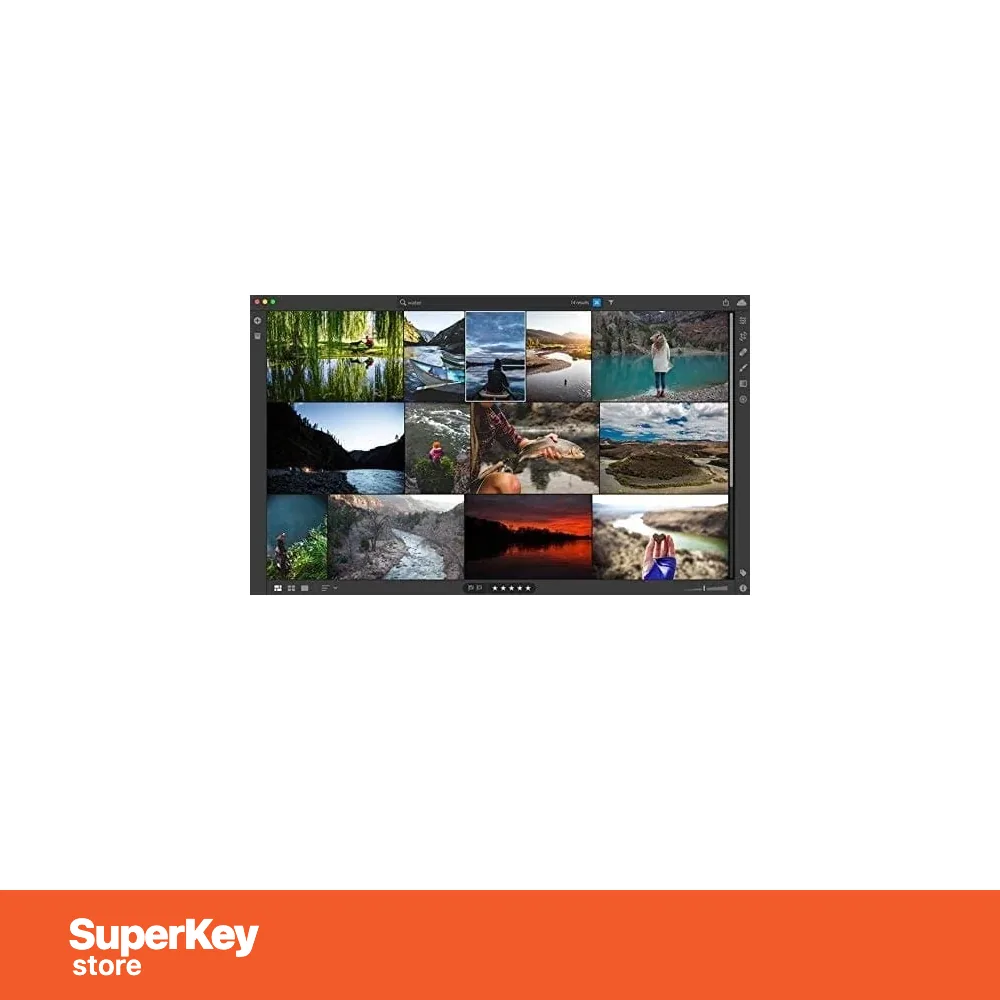
Adobe Lightroom is a cloud-based photo service for editing, organizing and sharing images on any device. This plan includes 1 TB of cloud storage. It runs on Windows and macOS desktops, smartphones, tablets and the web. All photos and edits are backed up in the cloud.
What are the main features of Adobe Lightroom?
The main features are full-resolution editing, smart organization and cloud sync. Lightroom offers these tools:
- Editing: sliders and presets adjust light, color and detail in full resolution.
- Automatic tagging: assigns searchable keywords to photos.
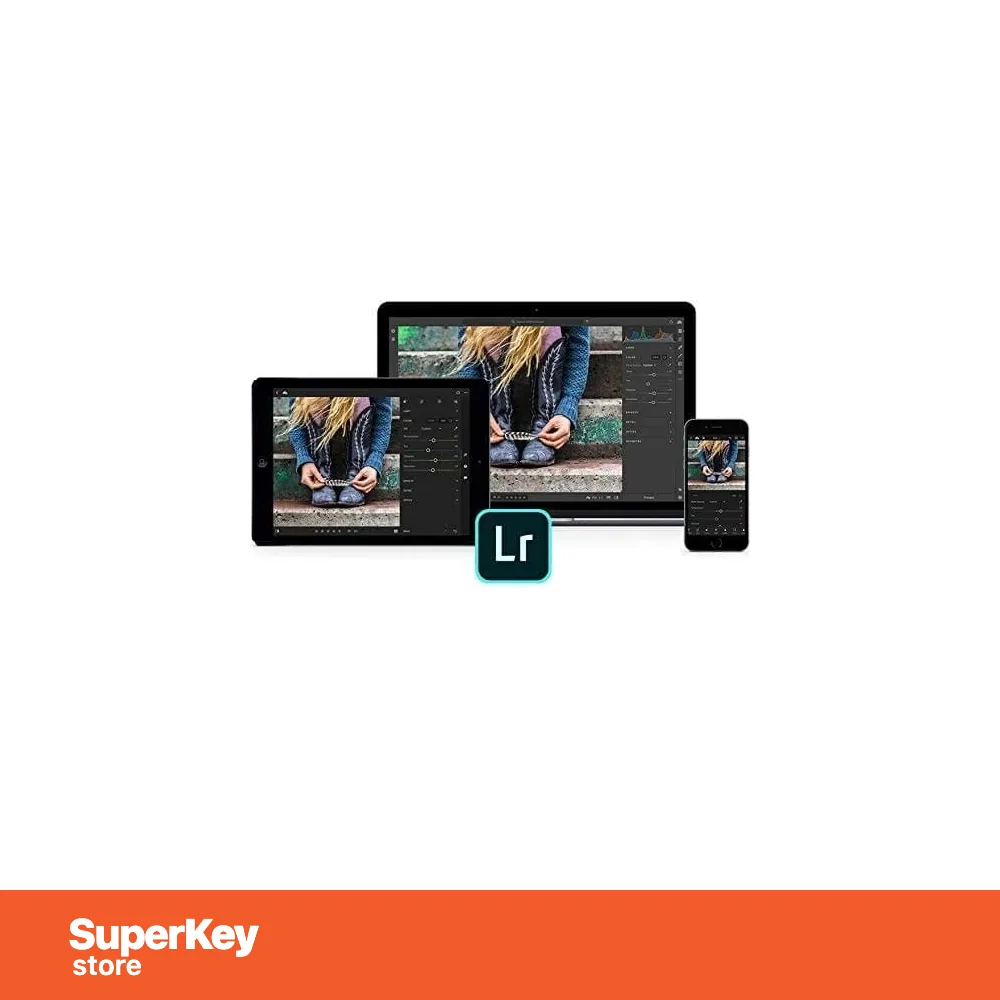
- Cloud sync: makes every change available on all devices.
- 1 TB storage: keeps the full photo library online.
- Sharing: publishes albums and showcases the best shots.
- Mobile camera: takes, edits and shares photos in one app.
Which devices does Lightroom support?
Lightroom works on Windows PCs, Macs, iOS and Android devices and in a web browser. The library is stored in the cloud. You start an edit on a phone and finish it on a desktop. The plan also includes access to Creative Cloud services.
What is the difference between Lightroom and Creative Cloud?
Lightroom is a single photo app, while Creative Cloud includes the full collection of Adobe apps. The table compares related offers:
| Produkt | Apps | Audience |
|---|---|---|
| Lightroom 1 TB | Lightroom | Individual photographers |
| Lightroom Pro for Teams | Lightroom | Teams of 1-9 users |
| Creative Cloud | Photoshop, Illustrator, Premiere Pro and more | Creative professionals |
Teams can choose Adobe Lightroom – Pro for Teams 1 – 9 User(s). More products are in the Adobe category.
Why buy Adobe Lightroom (1 TB) from SuperKeyStore?
Buying Adobe Lightroom (1 TB) at SuperKeyStore includes:
- Original license: an original Adobe Lightroom (1 TB) license key, activated through Adobe’s official activation.
- Platform: Windows and macOS.
- Email delivery: the license key and the official download link arrive by email, usually within minutes of payment (some orders get a security check of up to 24 hours).
- Free technical support: our team helps by email with installation and activation ([email protected]).
- Ersatz oder Erstattung: if the key does not work, you get a working key or your money back, as set out in our Erstattungsbedingungen.
How do you redeem your Adobe Lightroom (1 TB) key?
You redeem the key in a few steps after the order email arrives. The redemption guide for Adobe Lightroom (1 TB) is:
- Go to redeem.adobe.com and sign in with (or create) a free Adobe account.
- Enter your redemption code: the membership is added to your account.
- Download the Creative Cloud desktop app and install the apps you need.
Your key also stays in your order email and under Mein Konto.
Systemanforderungen
| Windows | Windows 10 (64-bit, version 22H2 or later) or Windows 11 |
|---|---|
| Mac | macOS 12 Monterey or later (requirements vary by app) |
| Prozessor | Multicore Intel or AMD processor with 64-bit support, or Apple silicon |
| Arbeitsspeicher (RAM) | 8 GB minimum, 16 GB or more recommended |
| Festplatte | At least 4 GB of free space per app |
| Bildschirm | 1920 x 1080 or higher |
| Internet | Required for installation, activation and regular sign-in |
| Account | Free Adobe account required |
Download & Aktivierung
Download Adobe Lightroom 1TB Win/ Mac with SuperKeyStore
Buying Adobe Lightroom 1TB Win/ Mac takes a minute: add it to your cart, pay through our secure, encrypted checkout and you receive your product key and the official download link by email, usually within minutes. Everything you need is in your order email, together with these instructions.
How to install and activate Adobe Lightroom 1TB Win/ Mac
- Go to redeem.adobe.com and sign in with (or create) a free Adobe account.
- Enter your redemption code: the membership is added to your account.
- Download the Creative Cloud desktop app and install the apps you need.
Stuck at any step? Email [email protected] with your order number and a screenshot. Our support is free, and if a key does not work we send a replacement or refund you, as set out in our Erstattungsbedingungen.
Why choose Adobe Lightroom 1TB Win/ Mac
Creative Cloud All Apps includes Photoshop, Illustrator, Premiere Pro, Acrobat Pro and 20+ more creative apps, plus cloud storage.
More software at SuperKeyStore
Popular with this product: Windows 11 Pro, Office 2024 Professional Plus, Microsoft 365 Personal. Browse all antivirus software und money-saving bundles.
Digitale Lieferung
All our products are delivered digitally by email: no shipping costs, no waiting for a parcel and no packaging waste. Your key is stored in your order email and, if you created one, in your account, so you can find it again at any time.
FAQ
What is included?
All Creative Cloud apps, including Photoshop, Illustrator, Premiere Pro, After Effects, InDesign and Acrobat Pro, plus cloud storage and Adobe Fonts.
How long does it run?
The period shown in the product name from redemption. You can renew with another code or through Adobe.
On how many computers can I install it?
Adobe allows installation on 2 computers for one user, used one at a time.
Can I add it to an existing Adobe account?
Yes. Redeem the code at redeem.adobe.com with your existing Adobe account.
Wie schnell erhalte ich meinen Key?
By email, usually within minutes of payment. Some orders go through a short security check that can take up to 24 hours. Please check your spam folder too.
Was ist, wenn mein Key nicht funktioniert?
Email us your order number and a screenshot of the error. We send a replacement or refund you, as described in our Erstattungsbedingungen.
Weitere Fragen? Lesen Sie unsere FAQ, Erstattungsbedingungen oder kontaktieren Sie uns.
- Kostenloser SupportPer E-Mail
- Schnelle LieferungIn der Regel in wenigen Minuten
- Sichere ZahlungVerschlüsselter Bezahlvorgang
- Digitale LizenzenOffizielle Aktivierung
- Key funktioniert nicht?Ersatz oder Erstattung
Für Sie ausgewählt
Alle ansehen CorelDRAW Technical Suite 2024 for WindowsCHF 93.98+ Hinzufügen
 Adobe Creative Cloud for Windows or MAC – 1 YearCHF 388.98+ Hinzufügen
 Corel PaintShop Pro 2023 Ultimate Ursprünglicher Preis: CHF 55.98.CHF 41.98Aktueller Preis: CHF 41.98.+ Hinzufügen
 CorelDRAW Technical Suite 2025 for WindowsCHF 120.98+ Hinzufügen
 CorelDRAW Graphics Suite 2023 for macOSCHF 66.98+ Hinzufügen

Bewertungen
Es gibt noch keine Bewertungen.